When you run the App for the first time, or if you have logged out, you will need to Sign In using your Locate Performance Management account login details. If this is the first time using the app you will need to allow all requested permissions.
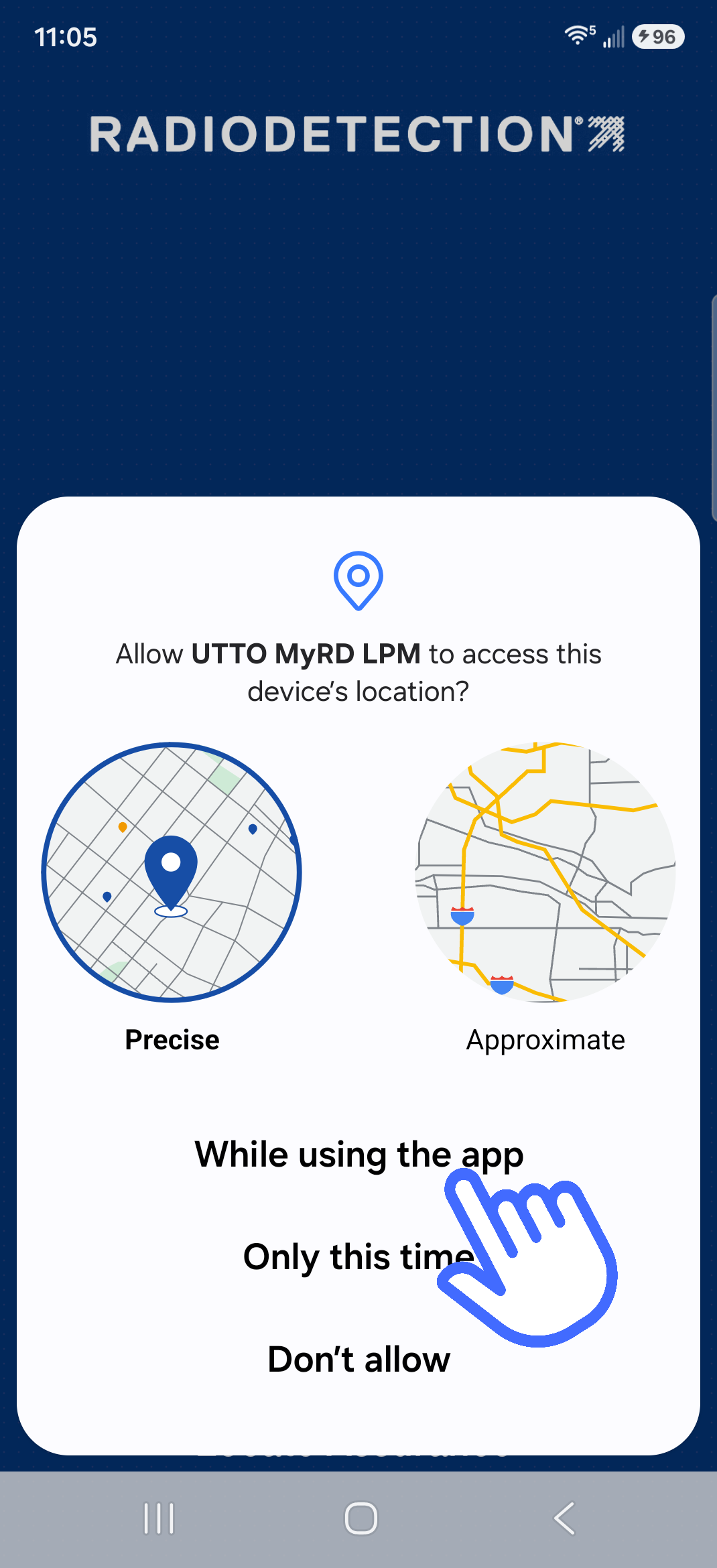
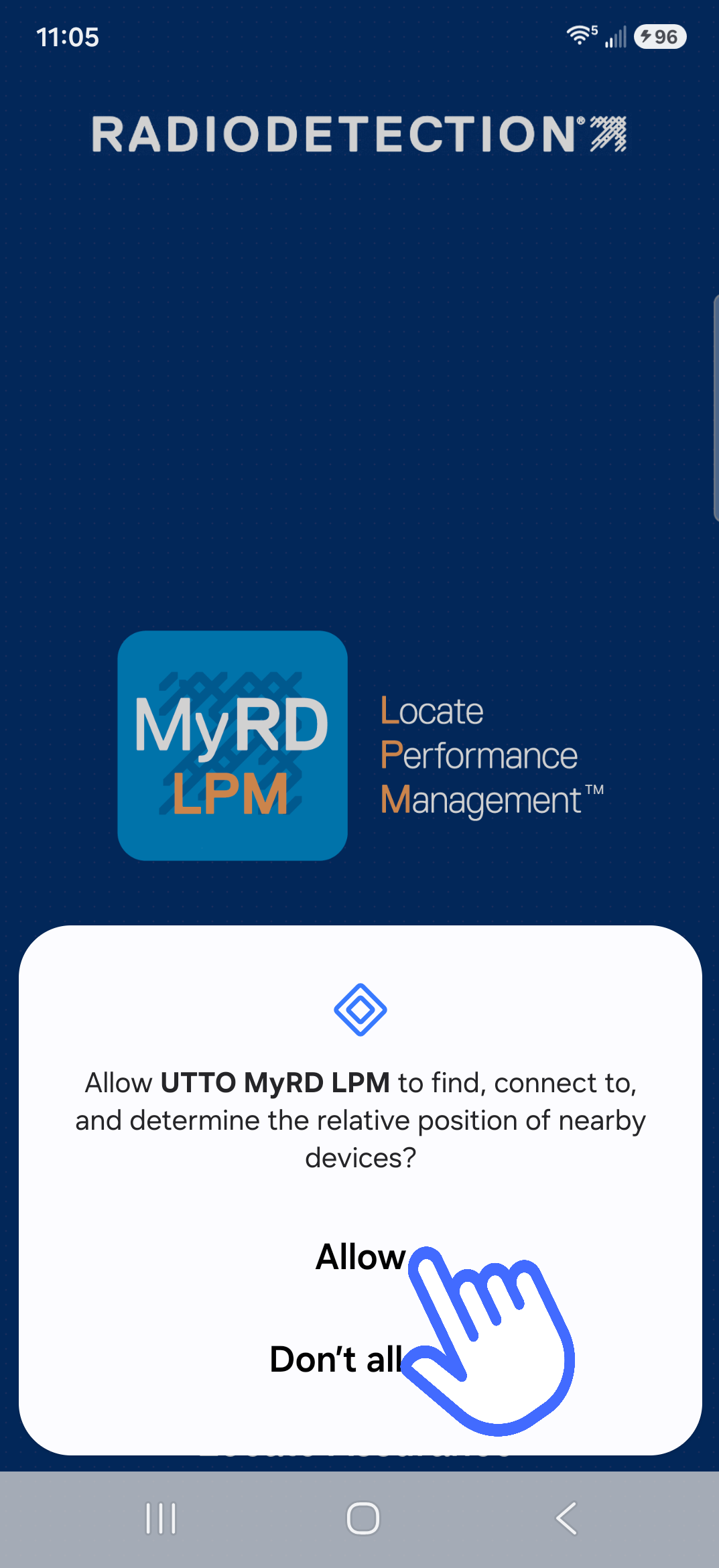
You can obtain your login details from your manager, or company’s Locate Performance Management administrator.
NOTE: An active internet connection is required to login into your account.
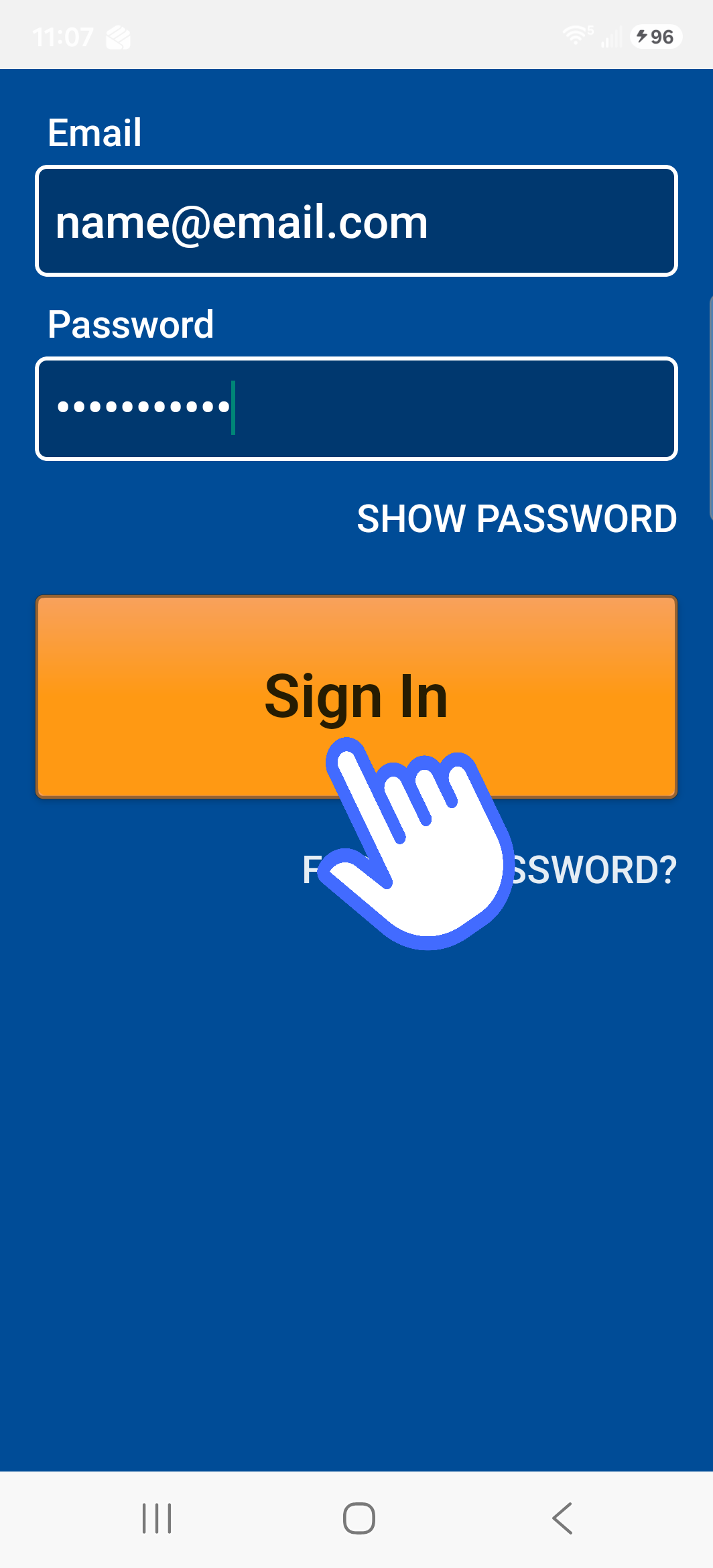
- Enter your Username (Email)
Enter your Password
If required, you can press the SHOW PASSWORD option to be able to check your password.
- Press Sign In
NOTE: You will remain signed in even if you stop the Locate Performance app or reboot your device.