NOTE: In order to pair your locator to the mobile app, the locator will first need to be registered to the locate performance online web portal by an Administrator on the account.
Once registered you can begin the pairing process.
To pair your mobile device to your RD8200SG locator you will first need to configure the locator to connect to either an Android or iOS device.
How to configure the RD8200SG for use with the Android version of the 'UTTO MyRD LPM' mobile app
- Power On the locator by pressing the 'Power key'.
- Press the power key again to enter the Main Menu.
- Press the 'Down' arrow key to navigate to PHONE menu.
- Press the 'Right' arrow key (antenna key) to enter the PHONE menu.
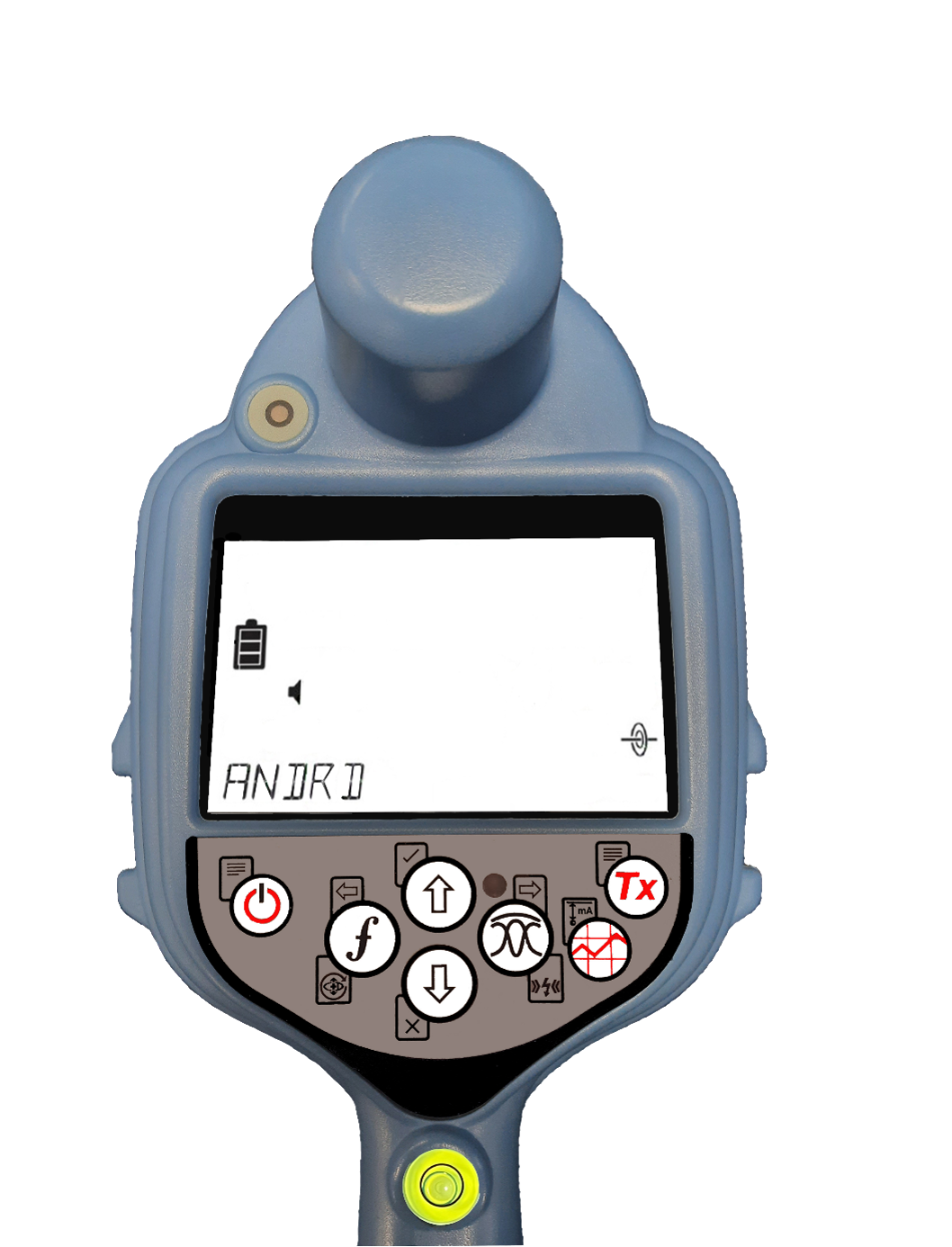
- Press the Up or Down arrow key's to navigate to the ANDRD option.
- Press the right arrow key (antenna key) to select BLE.
- Press the left key (F key) to confirm and exit the PHONE menu.
- Press the Up or Down arrow key's to navigate to the SMLOG menu.
- Press the right arrow key (antenna key) to select COM and set to OFF.
- Press the left key (F key) to confirm and exit the Locator menu.
- Turn off the locator by pressing and holding the Power key.
|  |
How to configure the RD8200SG for use with the iOS version of the 'UTTO MyRD LPM' mobile app
- Power On the locator by pressing the 'Power key'.
- Press the power key again to enter the Main Menu.
- Press the 'Down' arrow key to navigate to PHONE menu.
- Press the 'Right' arrow key (antenna key) to enter the PHONE menu.
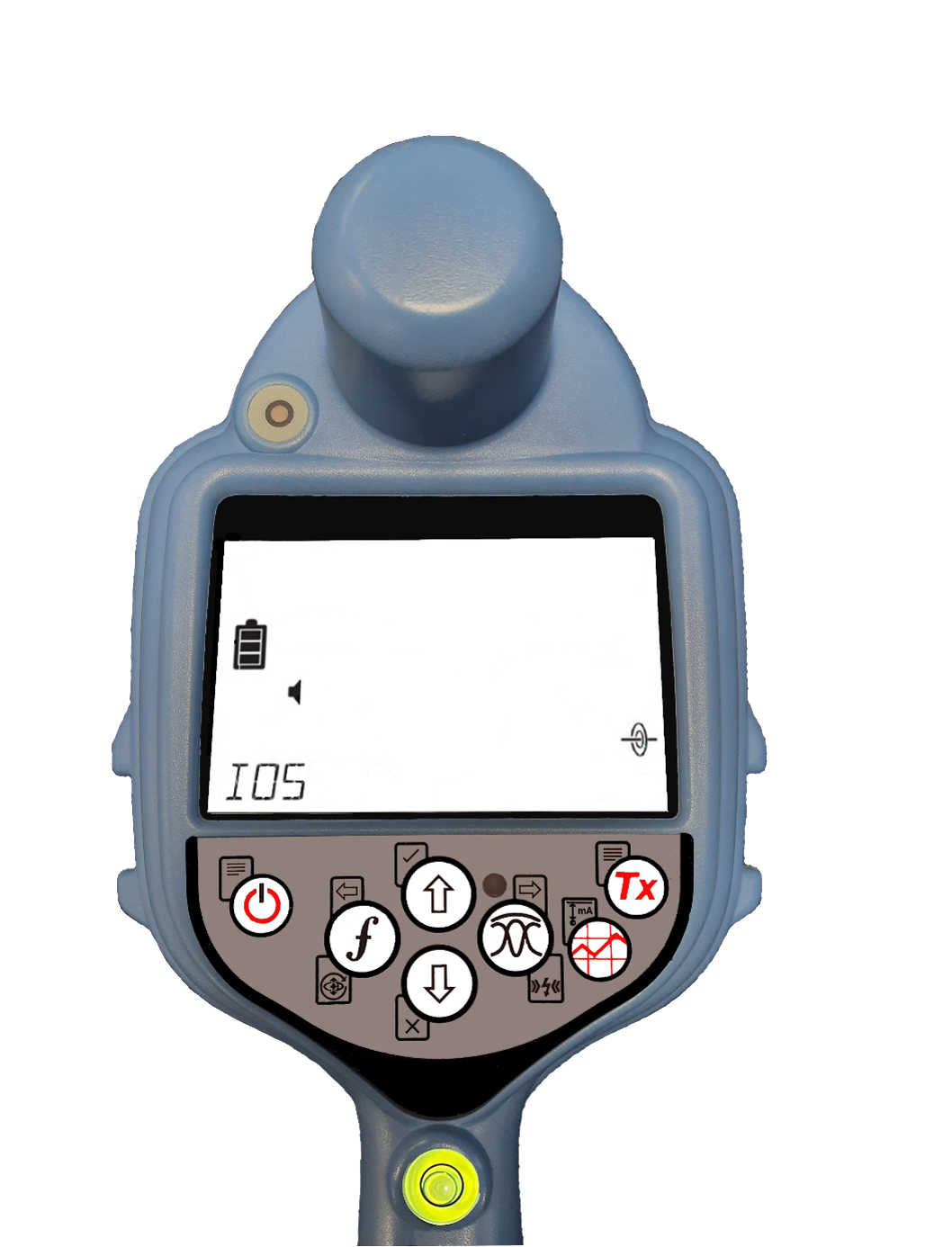
- Press the Up or Down arrow key's to navigate to the IOS option.
- Press the left key (F key) to confirm and exit the PHONE menu.
- Press the Up or Down arrow key's to navigate to the SMLOG menu.
- Press the right arrow key (antenna key) to select COM and set to OFF.
- Press the left key (F key) to confirm and exit the Locator menu.
- Turn off the locator by pressing and holding the Power key.
|  |
On the 'UTTO MyRD LPM' mobile app
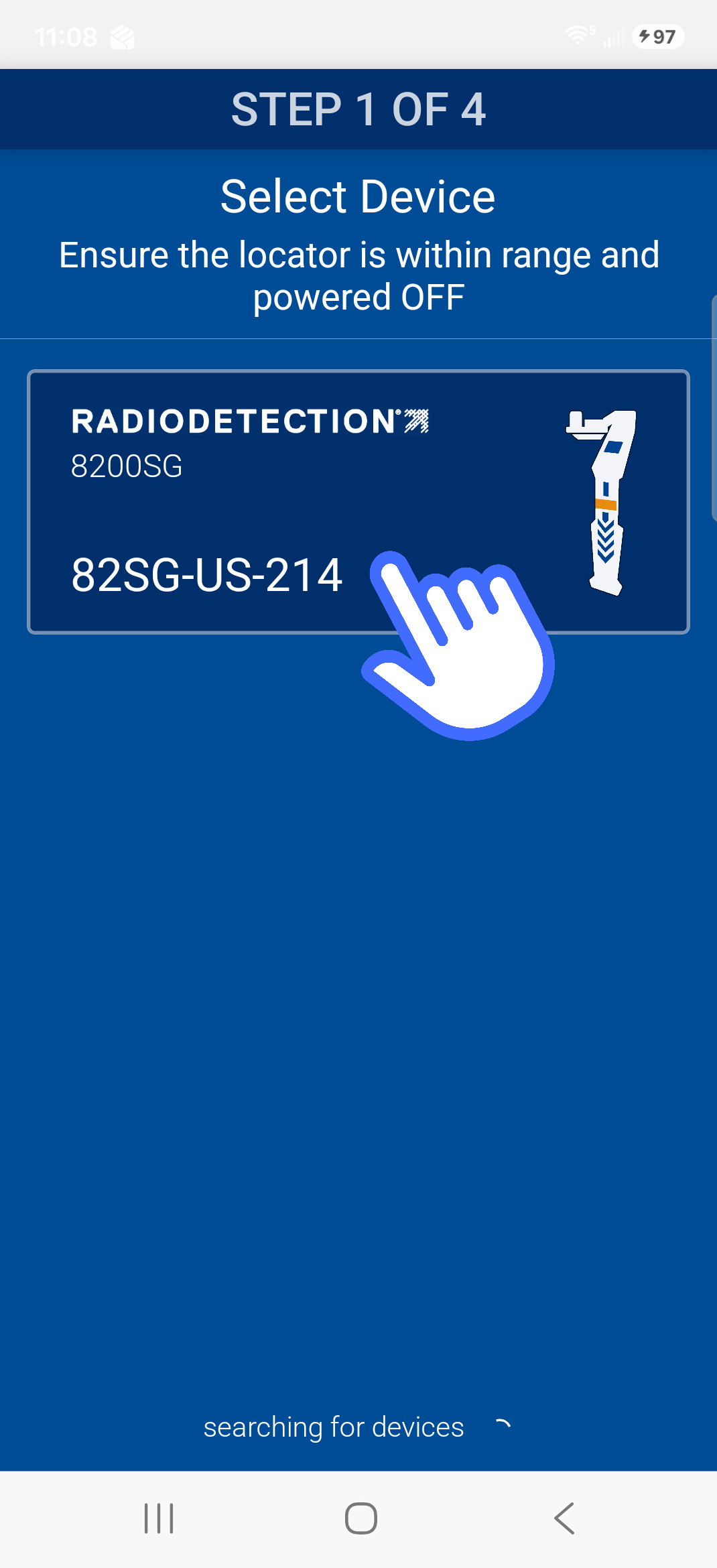
- Ensuring sure the locator is Powered Off.
- On the app, Tap on the Locator Serial Number button you want to pair to.
|  |
| 3. The app will request to pair the bluetooth. Tap Pair. The app will automatically communicate with the locator by powering the locator On and Off and perform an initial data sync. | 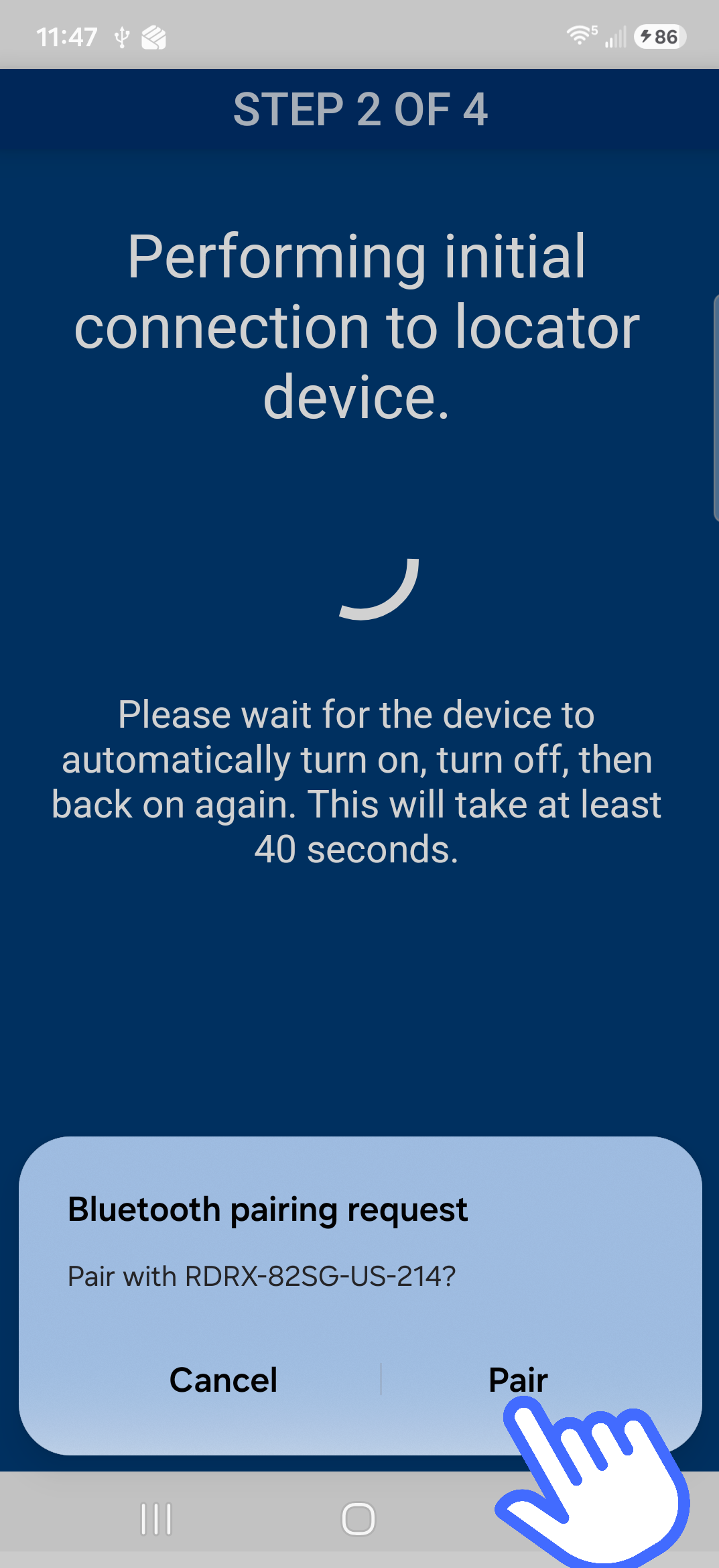 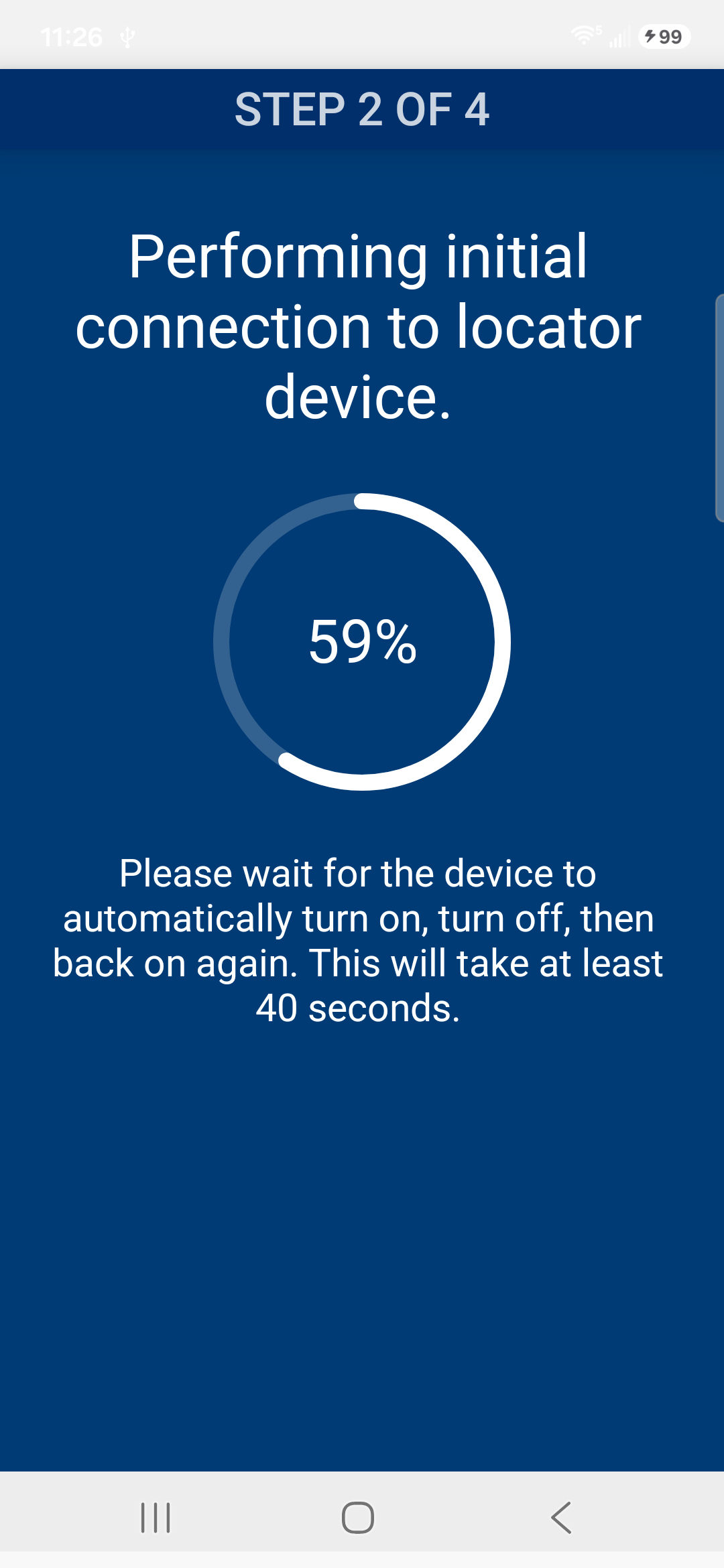 |
| 4. The app will automatically sync with the GPS RTK module. | 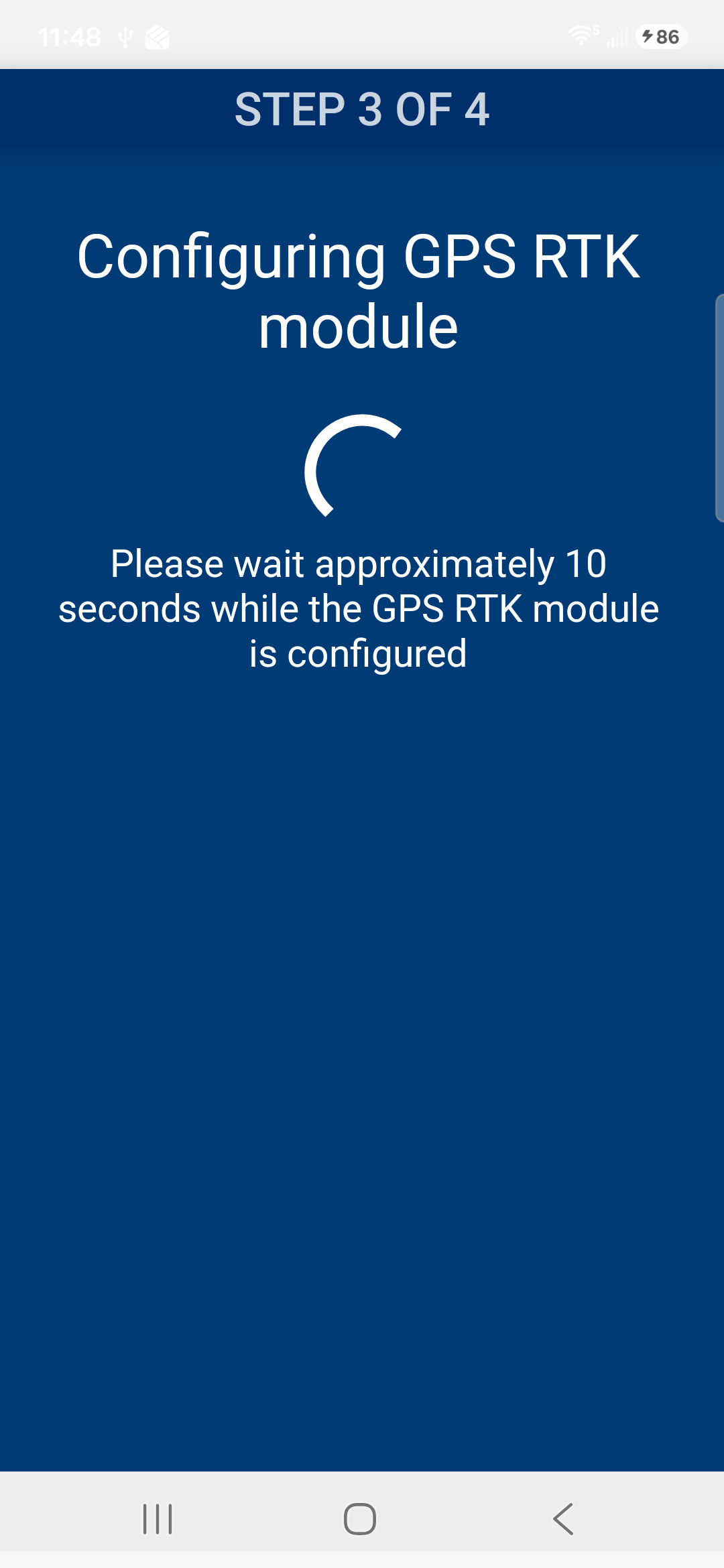 |
| 5. Tap Pair to pair the GPS module and then tap on the serial number of the unit. This completes the Bluetooth pairing process. | 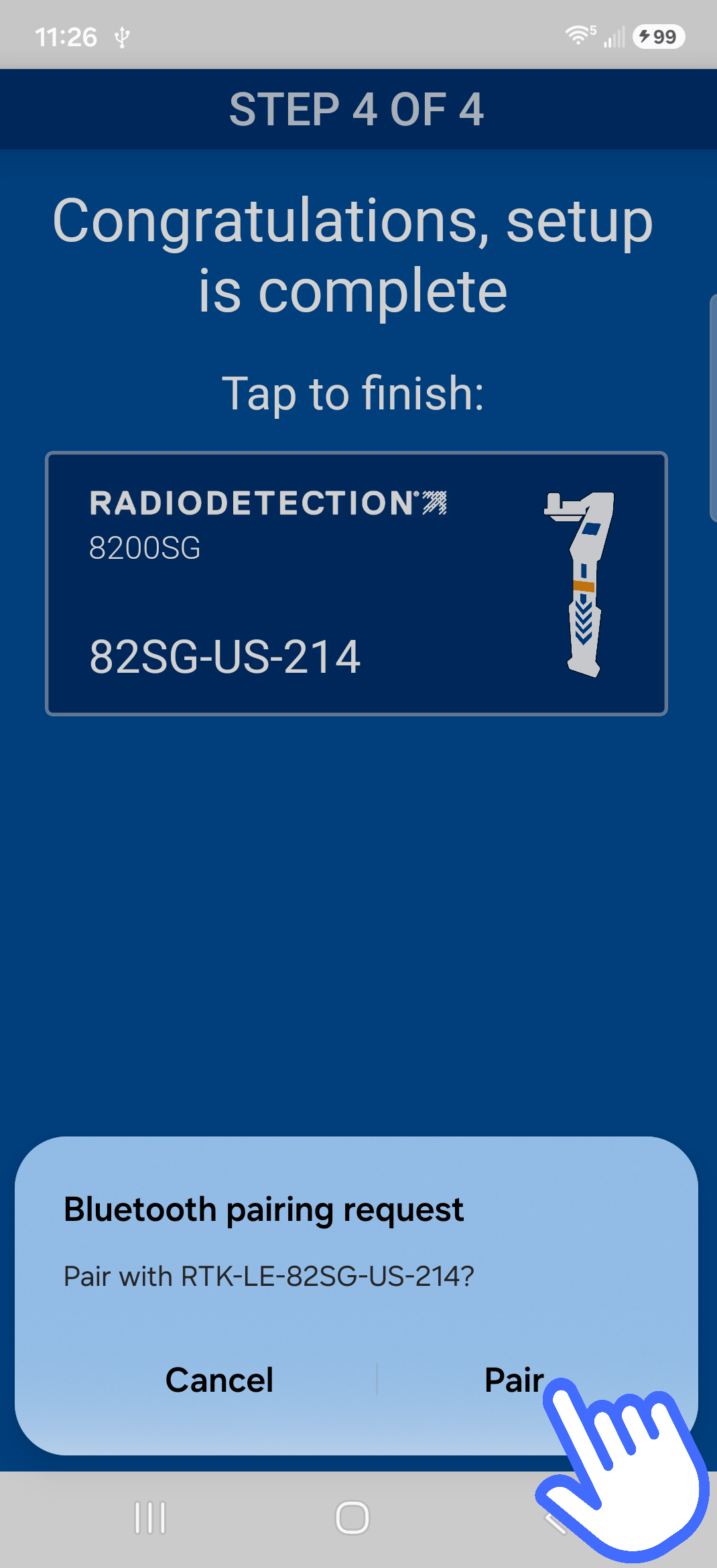 |