When finished with the locate, power off the device or tap END CAPTURE. The captured locate data will then be automatically synced and uploaded to LPM Cloud.
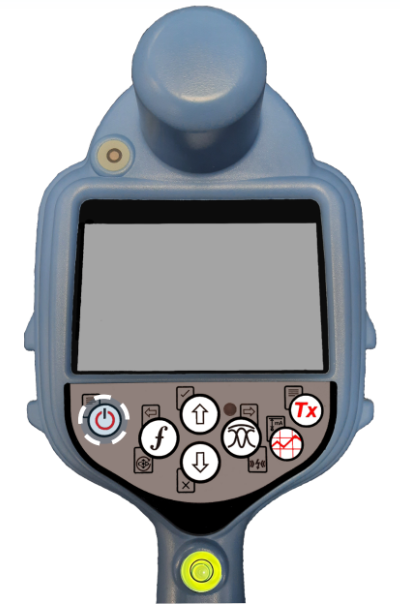
Switch Off the locator so that the session data can be synced and uploaded to LPM Cloud.
If you tap on the UPLOADS drop-down option you will be able to view the last session data that have been uploaded to the LPM server.

List of the last uploads.
Session logs will be available on the LPM web portal for full review and detailed analysis.