Performance screen
As a Team Supervisor you will have access to the Performance screen which will provide a lot of information for tracking an individual, several technicians or your entire team.
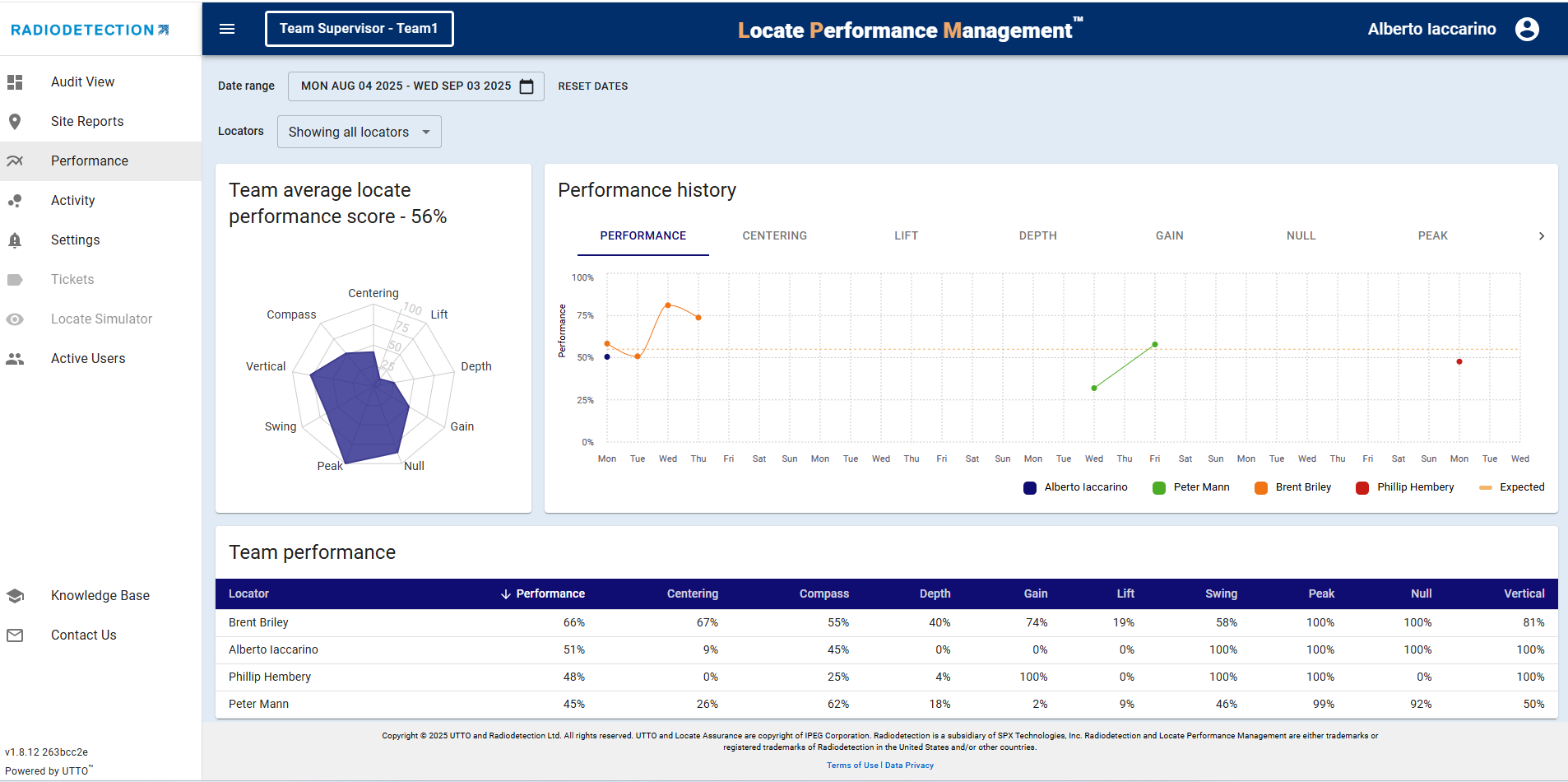
Performance history panel
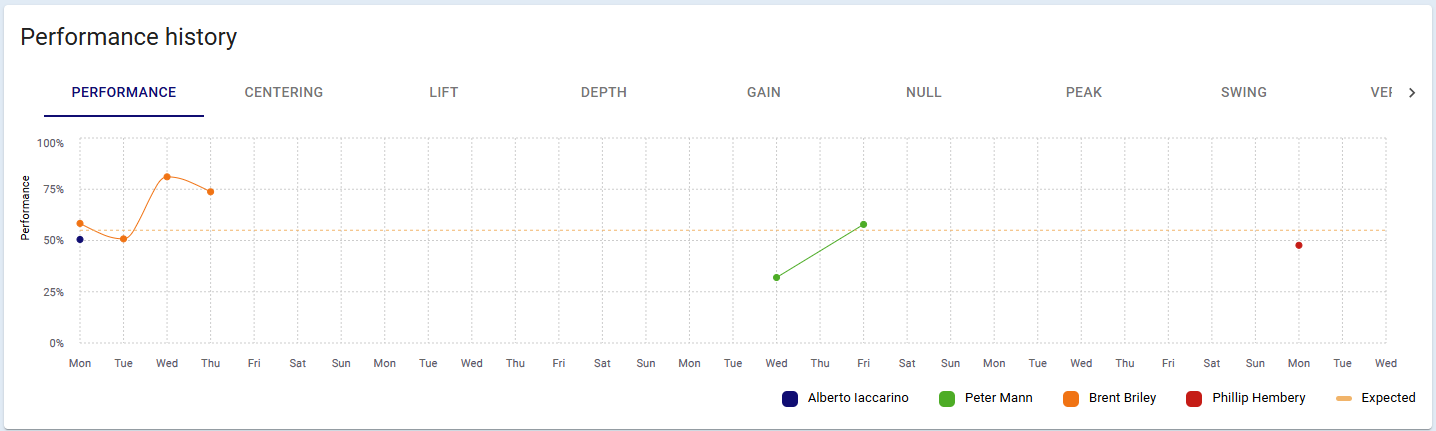
The Performance History panel allows you to see the trends for each individual metric over the date range that you have selected.

Your Teams performance is viewable as a percentage for each technician as well as their overall performance, for even more information, click on the Activity screen.
Activity screen
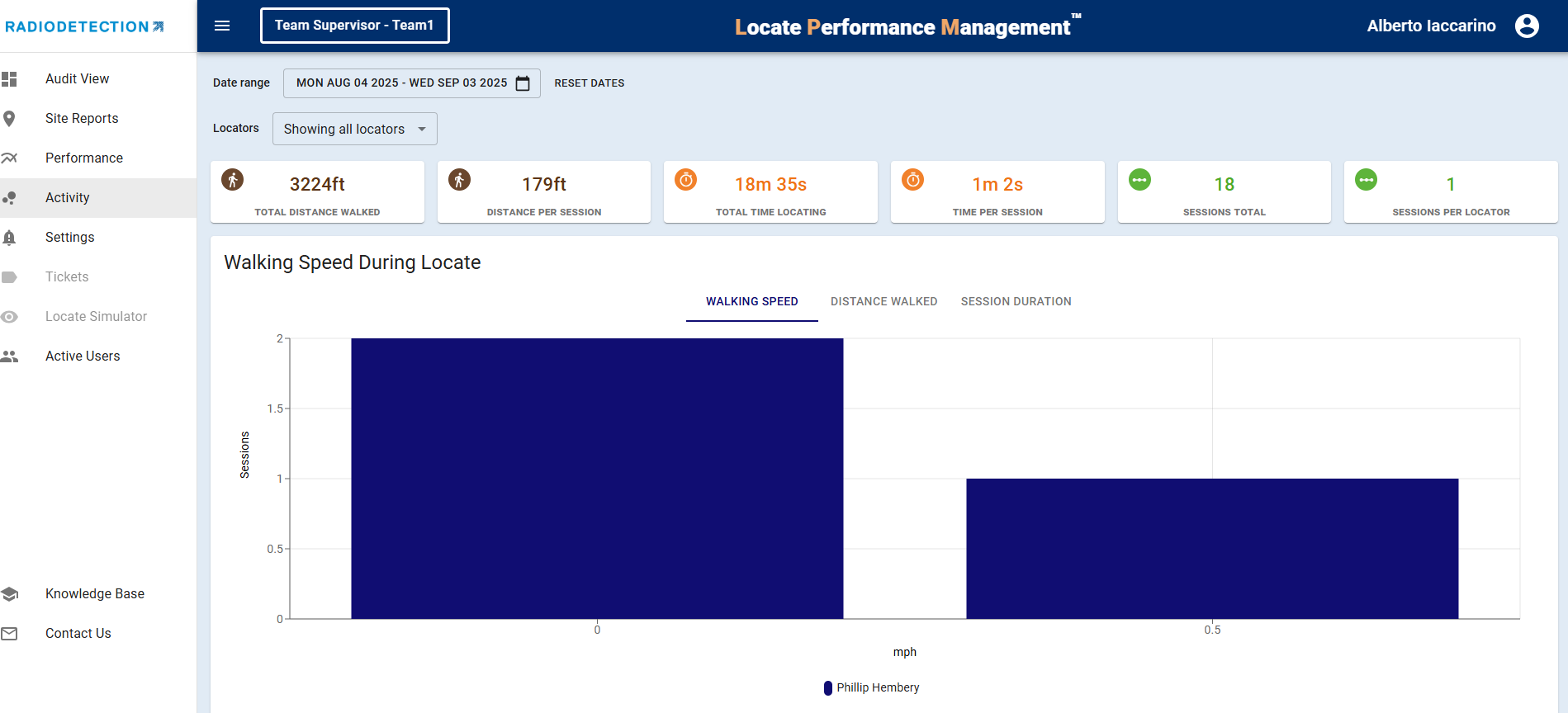
Across the top of the Activity screen you can see the Distance, Time, and Session data based on the date ranges and the technicians that you have selected.

There are 3 metrics just below where you can view Walking Speed, Distance Walked and Session Duration.
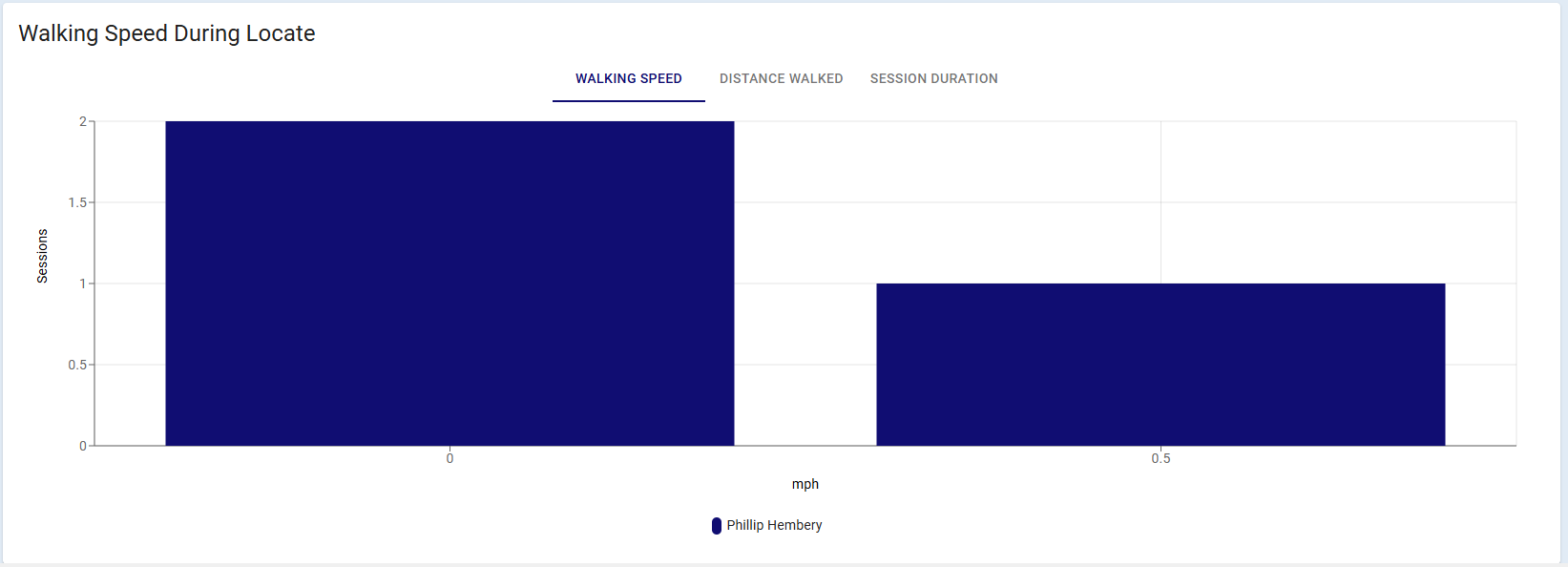
You can use this data to better understand trends and recognize the challenges your team is facing.