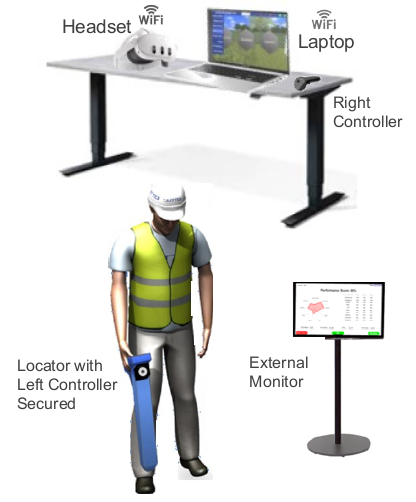
- Establish a safe area where the laptop, VR headset and right controller can be easily accessible and charged.
- An HDMI cable is supplied to connect to an external monitor (this permits results, locate scenarios and lessons to be viewed by team members as needed).
- The VR headset is used to calibrate the room during set up and then it must be left on and facing the room (batteries last about 3 hours and the unit can be charged while in use).
- The left controller is fixed securely to the locate receiver and is used together with the VR headset to calibrate the room. Don’t move the left controller once room calibration is completed.
- The right controller is used only to navigate and select options in the VR headset.
|  |