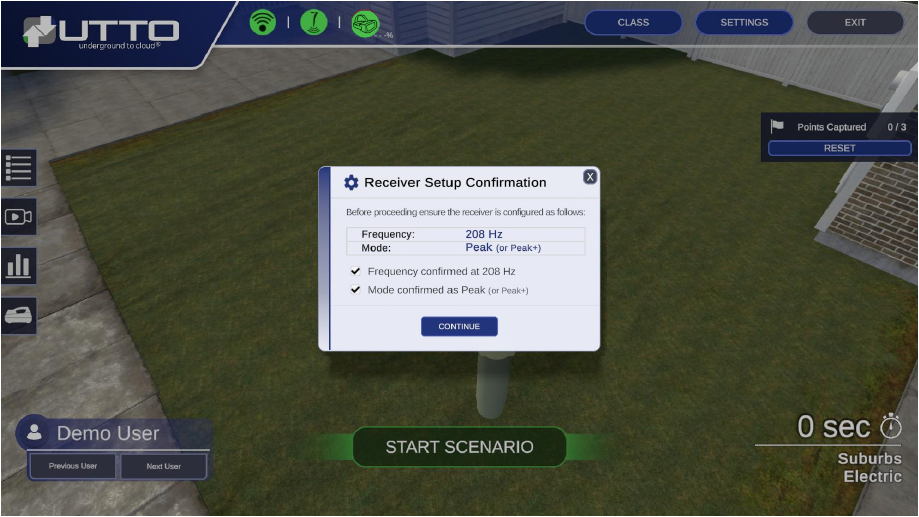
You are now ready to Calibrate the Room by following the guidance instructions on the Sim 2.0 Laptop application.
Click on CALIBRATE and follow the step-by-step instructions:
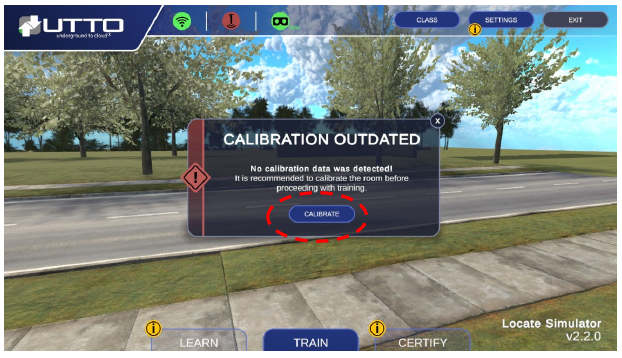
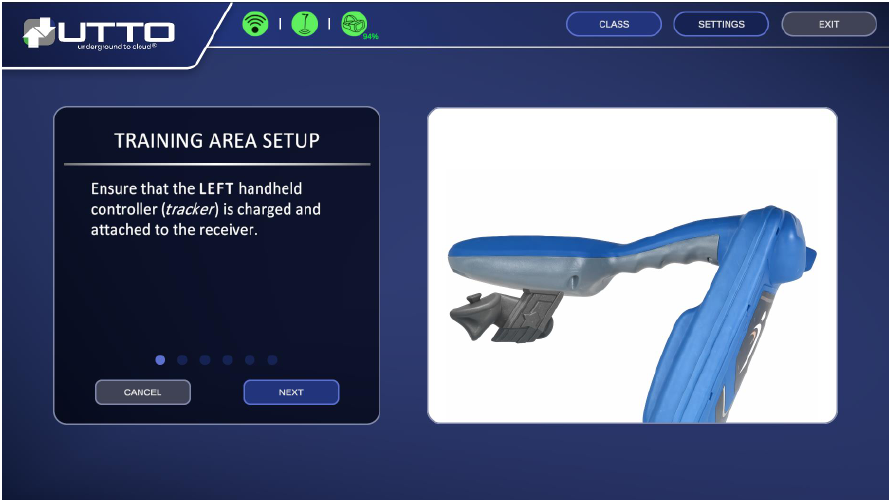 STEP 1 of 5
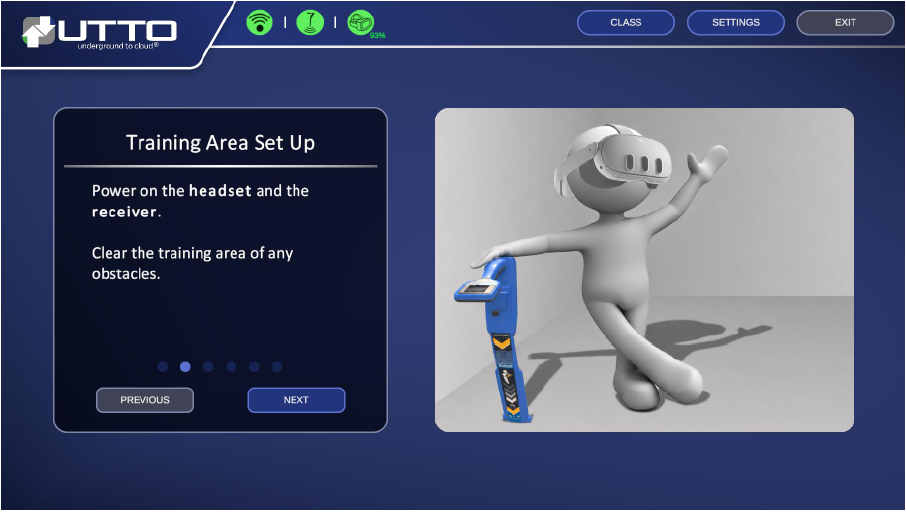 STEP 2 of 5
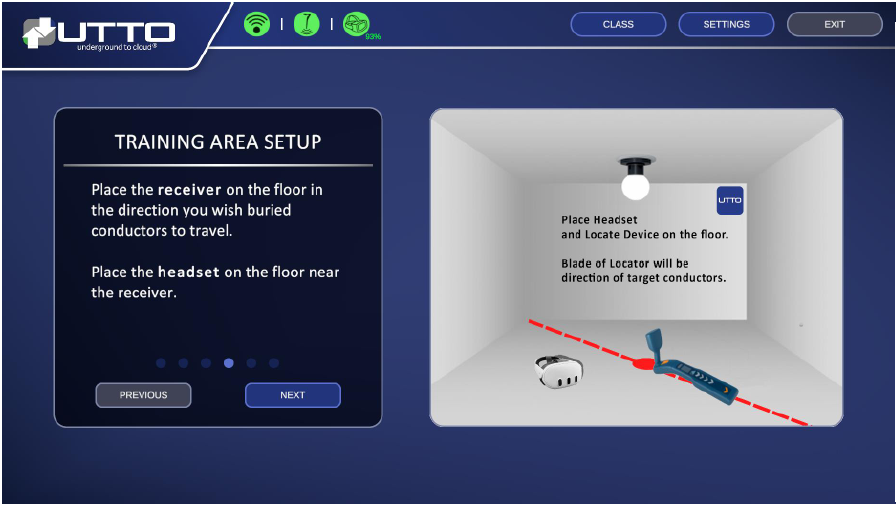 STEP 3 of 5
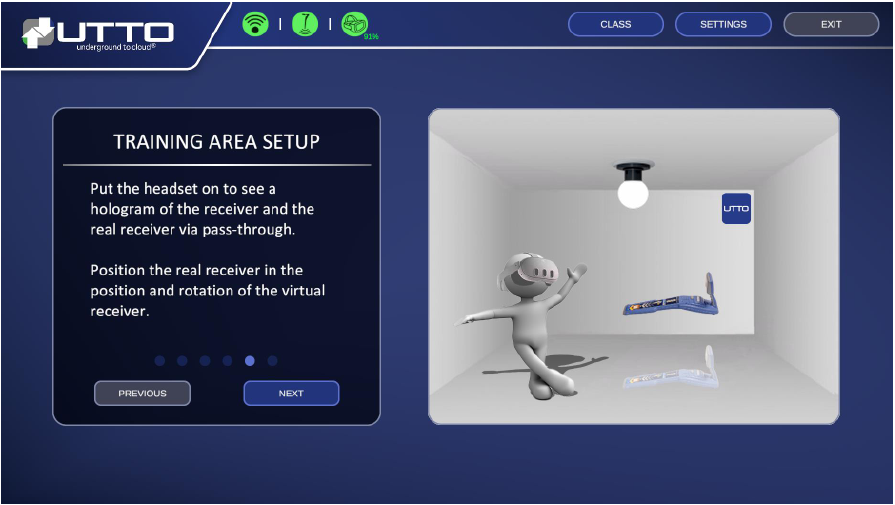 STEP 4 of 5
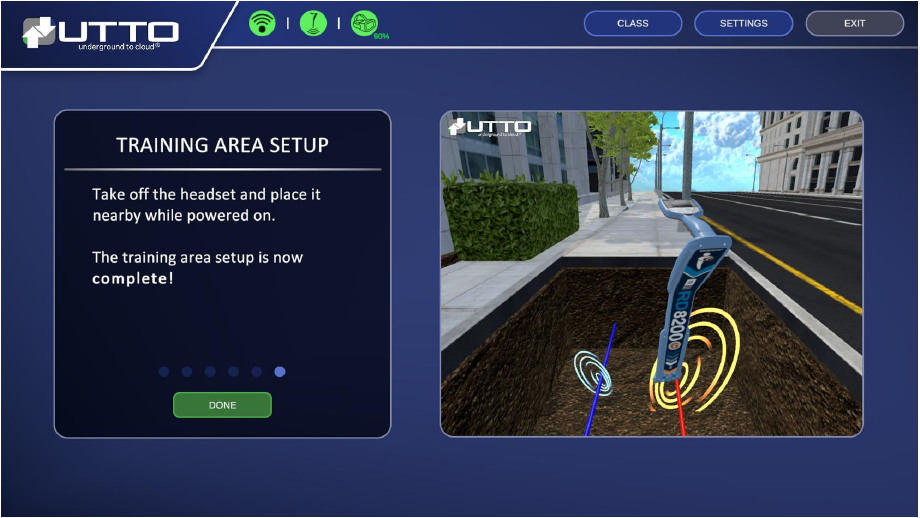 STEP 5 of 5
User must power on the receiver and set frequency to 208Hz and ensure in Peak or Peak+ Mode prior to checking the boxes and continuing.