Overview - The UTTO Locate Simulator is designed to provide an opportunity for locate technicians to be trained, practice and hone their craft in a safe risk-free environment while gaining a scientifically derived performance score.
Technicians are required to complete industry (or your organizations) Best Practice locate and mark techniques. These techniques are then used in scenarios with differing degrees of complexity. The technicians can then see, when conditions are severe, the risk of locating incorrectly and the techniques to uncover issues with signal distortion, bleed-over of varying degrees and the dynamics of electromagnetic fields.
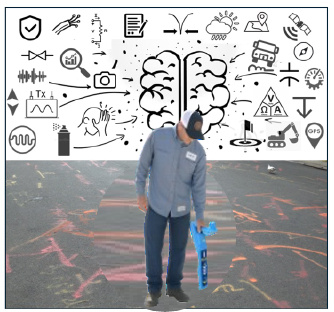
The Basics – Pinpoint versus Tracing
The Locate Simulator teaches the core principles of locating, with an emphasis on accurate pinpointing rather than simple tracing. In production 811 workflows, full pinpointing at every mark may not always be required, while SUE workflows typically demand it for survey accuracy and GIS compliance. The Simulator supports both operating modes and ensures students build a strong foundation in proper pinpointing technique.
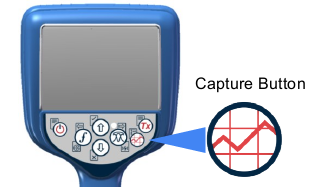
To place a flag when marking a target, press the Capture (Survey) Button once.